The Mac window manager for intentional workflows.
Tired of manually resizing windows every morning or fighting complex tiling shortcuts? Layr organizes your applications into saved multi-display layouts in one click, or automatically when your apps open.
Version 1.0.0 · macOS 12 Monterey or later · Universal (Apple silicon & Intel)
Window management shouldn’t be a second job.
Every day, Mac professionals waste dozens of minutes manually dragging windows, resizing sidebars, and hunting for browser tabs across screens.
Basic Snapping Is Too Rigid
Basic window splitters force every app into arbitrary halves or quarters. They don't remember which app belongs where or handle multi-window setups.
Tiling Managers Are Overkill
Tiling window managers (like yabai) automatically split your screen on every single window, often requiring disabling macOS System Integrity Protection (SIP) and memorizing dozens of keybindings.
Monitor Reconnect Chaos
Unplugging your MacBook for a meeting shuffles all your windows onto a single screen. When you plug back into your dock, macOS scatters your windows randomly across displays.
Arrange once. Apply forever.
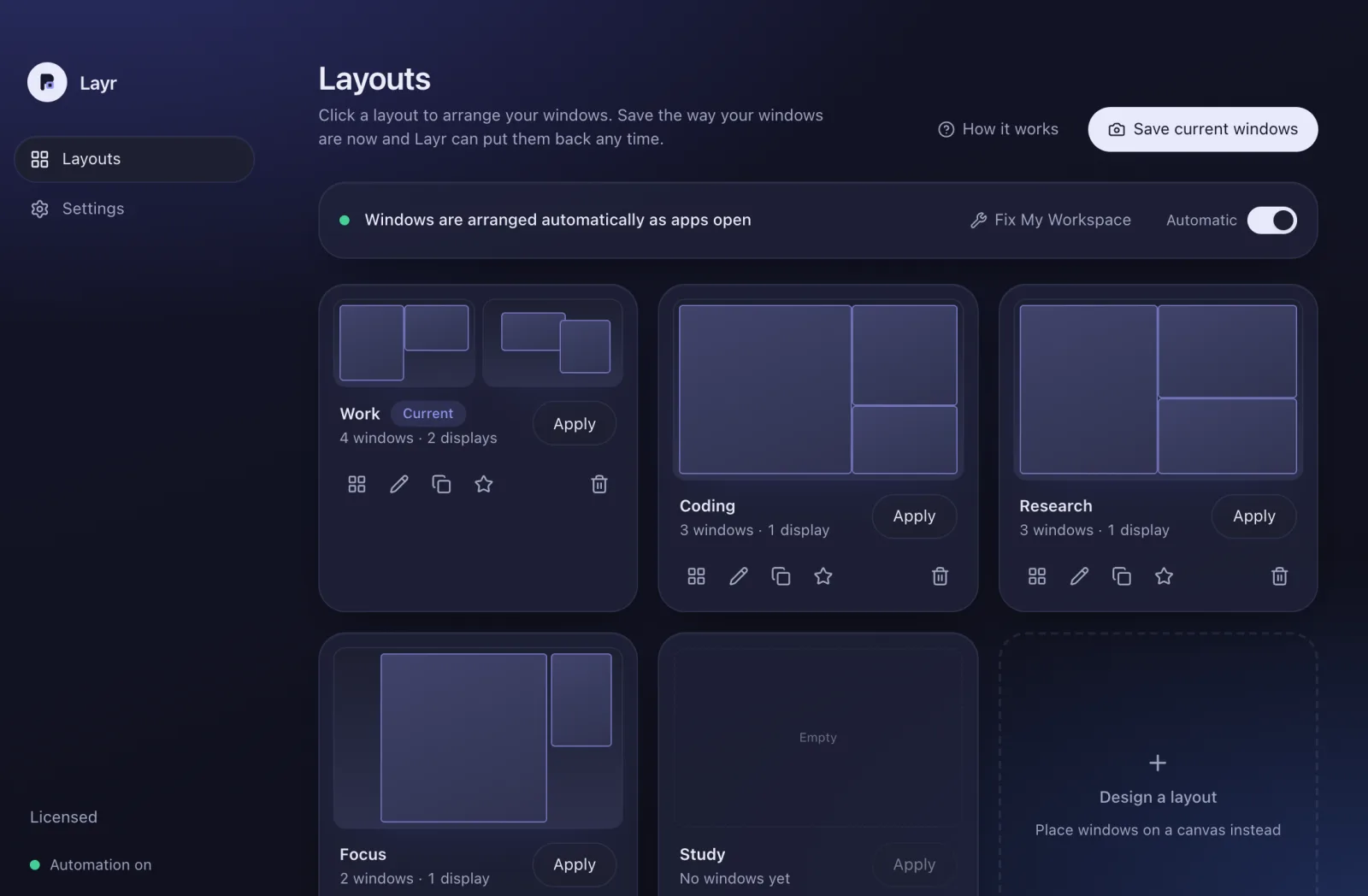
Layr treats your desktop like an intentional studio. Set up your screens with the ideal proportions for your task—Coding, Deep Research, Review, or Writing—and save the layout as a named preset.
Deterministic Multi-Display Placement
Every tile binds an app to a target display UUID. Clicking a preset instantly places your editor on your Studio Display and communication tools on your MacBook.
Automatic App-Launch Rules
When you launch Slack, Chrome, or Terminal, Layr moves the new window to its designated coordinate tile automatically. No dragging, snapping, or shortcuts required.
Fix Workspace & 1-Step Undo
Drift happens throughout the day. Hit Fix Workspace to evaluate open windows and snap misplaced apps back home without disrupting your focus.
How Layr compares.
An honest architectural comparison between Layr, basic window snappers, and rigid tiling managers.
Swipe sideways to see every column.
| Capability | Layr | Basic Snap Tools | Tiling Managers |
|---|---|---|---|
| Workflow Philosophy | Saved Workspace Presets | Ad-hoc splits (halves/thirds) | Automatic auto-split grids |
| Multi-Display Support | Hardware UUID Tracking | Screen index (breaks on unplug) | Display IDs (complex setup) |
| Automatic App Launching Rules | Built-in (Event-Driven) | None (Manual drag/hotkey only) | Scripted rules via config files |
| System Integrity Protection (SIP) | 100% Intact (Standard AX) | 100% Intact | Often requires disabling SIP |
| 1-Step Undo & Drift Audit | Fix Workspace + Undo | Rare / limited | None |
| Licensing Model | One-Time $9.99 | Free / One-Time | Open Source |
Frequently asked questions.
Common questions about window management and workspace setup on macOS.
How is Layr different from traditional tiling window managers?
Tiling window managers (like yabai or AeroSpace) enforce strict, automatic grid splits on every window you open, often requiring terminal configuration, disabling SIP, or learning complex modal keyboard commands. Layr takes a workspace loadout approach: you arrange your ideal setup once, save it with custom floating or split coordinates, and apply it in one click or automatically on app launch.
Does Layr support multiple external displays?
Yes. Layr tracks physical displays using persistent macOS hardware UUIDs (CGDirectDisplayID). When you disconnect or reconnect monitors, Layr remembers which applications belong on which screen.
Does Layr manage macOS Spaces?
No. The public macOS Accessibility API notifies that the active Space changed, but does not provide an API to query Space numbers or move windows between Spaces without undocumented private APIs. Layr strictly respects public API limits to guarantee stability.
Experience deterministic Mac window management.
Download Layr and arrange your open windows across your displays free for 24 hours. No account, subscription, or payment details required.
Version 1.0.0 · macOS 12 Monterey or later · Universal (Apple silicon & Intel)